
How PostModels works from first preview to final payout
Here is how PostModels works. Models build a verified profile and apply to paid castings. Brands, agencies and studios post castings, review applicants, shortlist, message and book. Each booking gets a written agreement. The brand pays through PostModels, the payment is held, and it is released to the model after the job, minus a 10 percent fee.
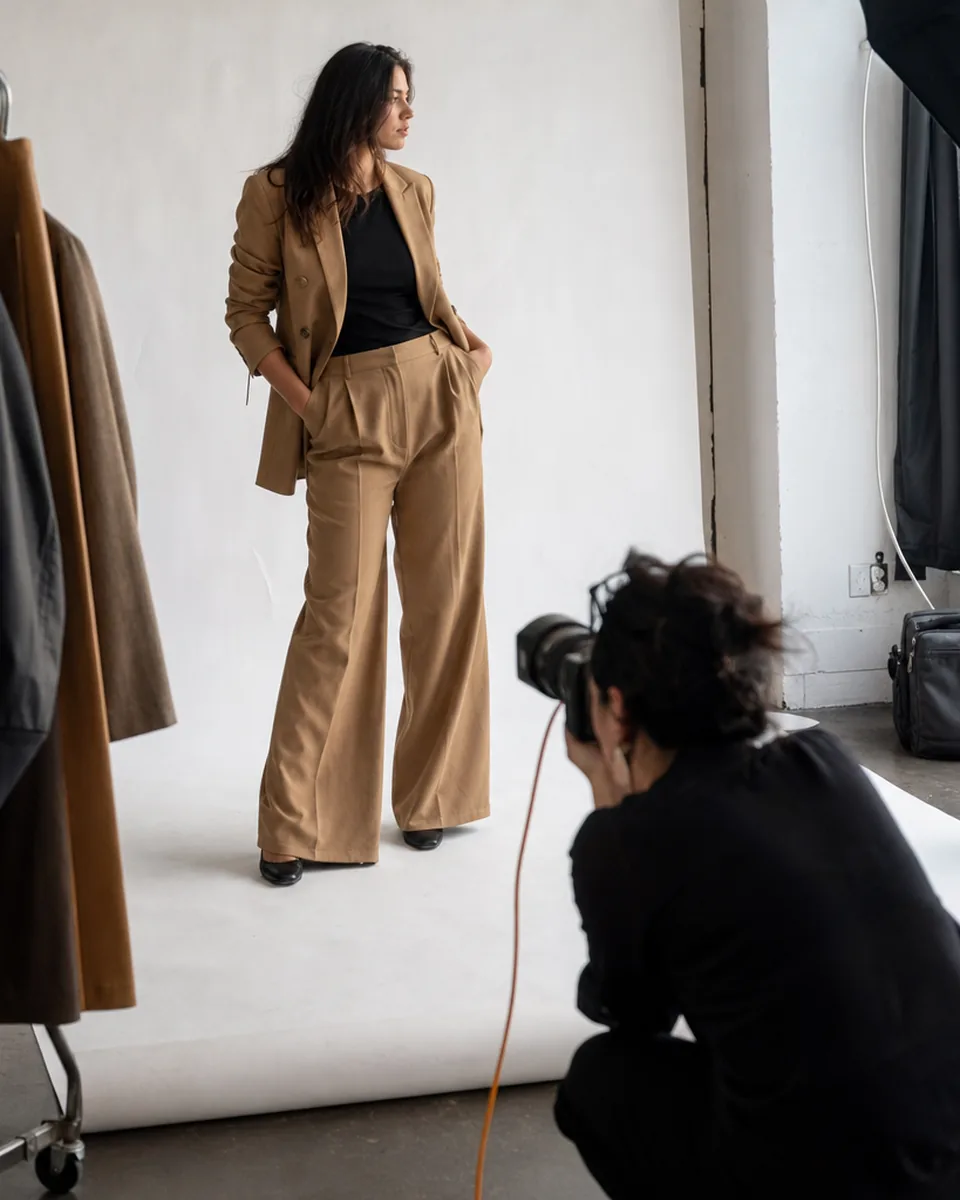
- Adults 18+ only.
- Every model is ID and age verified.
- Every brand is a verified, paying business.
01
Two sides, one shared booking
PostModels has two kinds of accounts. Models offer their time and look. Brands, agencies and studios bring paid work. Both sides meet on a casting and finish on a booking, which carries the date, fee, usage rights and payment. Below is each path, step by step.
02
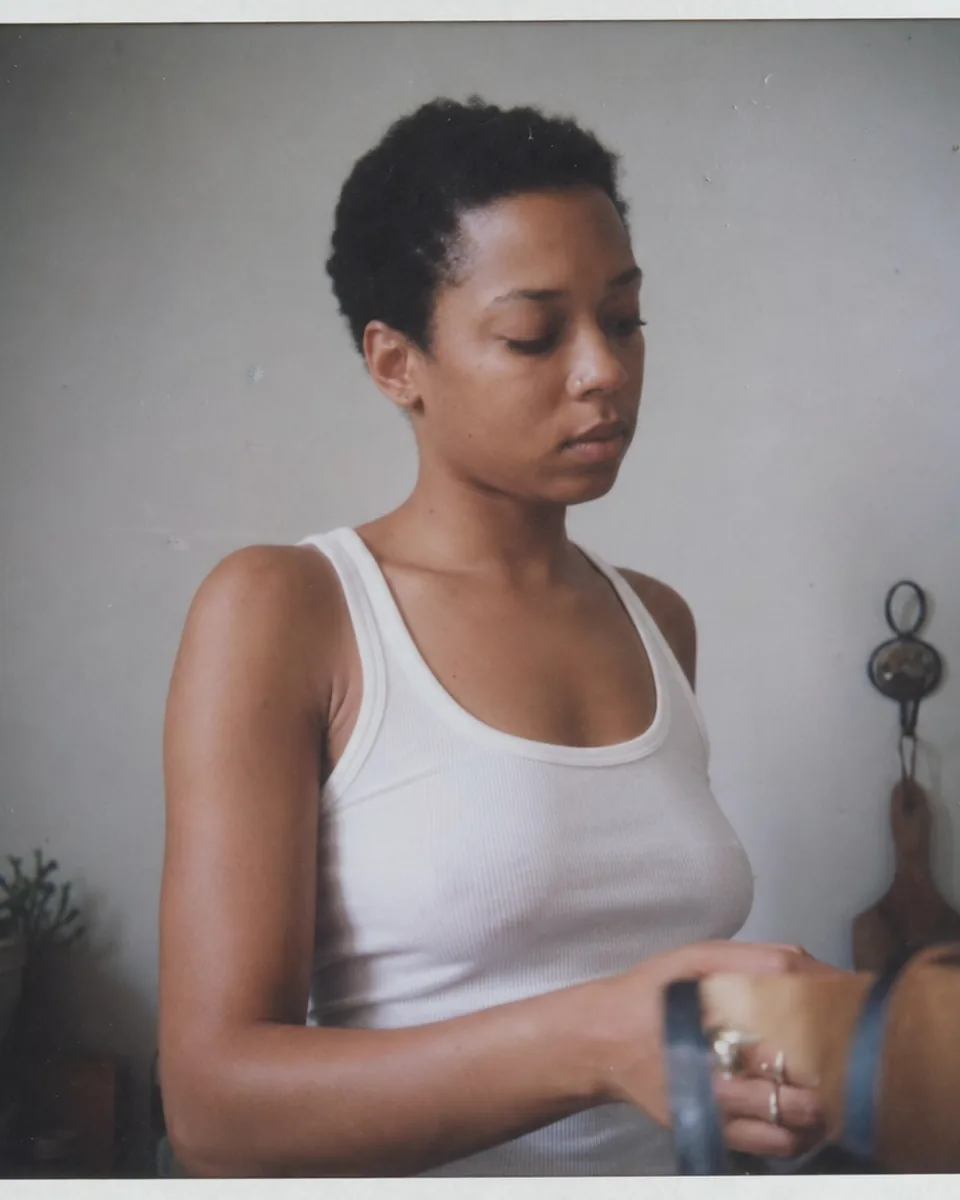
For models, the path from preview to payout
-
1
Try the preview. On the home page or at /start/model, enter your city or choose remote UGC, pick work types and add your height and day rate. You see your profile card and the castings that match, before you sign up.
-
2
Sign up in two steps. Enter your email and a password, then the code we email you. You are logged in and back on your preview.
-
3
Choose the Model plan. Yearly is $108 ($9 a month), monthly is $19. See pricing.
-
4
Complete your profile. Add up to 40 photos and 3 videos, measurements, sizes, skills, languages, rates, availability and your social links. Your comp card PDF is built from it.
-
5
Verify your ID and age. Your profile goes live only after verification. Your birth date is never shown.
-
6
Apply. Browse the casting board and apply with a short note. You can send up to 60 applications a month.
-
7
Talk to brands. When a brand shortlists you or messages you, you can reply in your inbox.
-
8
Accept a booking. A booking request shows date, hours, fee and usage rights. Accept it and the booking agreement is created for both sides.
-
9
Connect your payout account. Add the account you want to be paid to. You only need to do this once.
-
10
Do the job and get paid. After the job, the held payment is released to your payout account, minus the 10 percent platform fee.
More detail for models is on paid modeling work.
03
For brands and agencies, the path from brief to booked
-
1
Try the preview. Pick the casting type, city or remote, shoot date, budget and who you are looking for. At /start/brand you see your casting as models will see it, plus the talent filter screen.
-
2
Sign up in two steps. Email and password, then the code from your inbox.
-
3
Choose a plan. Brand, Agency or Studio, yearly by default with 50 percent off. Your business email or website is matched to verify the brand.
-
4
Publish the casting. Add roles, requirements, deadline and usage rights. Matching verified models are notified.
-
5
Review applicants. Each application shows photos, measurements, rates, availability and verified social stats. Shortlist, reject or message.
-
6
Invite talent directly. Use talent search to find models who have not applied and invite them, within your plan's message limit.
-
7
Share and decide. Agencies and studios can share a view-only shortlist link with clients.
-
8
Send a booking request. Set date, hours, fee and usage rights. When the model accepts, the agreement is created.
-
9
Pay. You pay the booking fee with a card when the booking is confirmed. The receipt is in your panel.
-
10
Close the job. After the shoot, the payment is released to the model.
04
The booking agreement puts the important parts in writing

Every booking on PostModels creates a booking agreement that both sides accept. It records who is booked and by whom, the date, location or remote delivery, hours, fee, what will be delivered and the usage rights: channels, duration and territory. If the brand later wants more usage, such as running organic content as a paid ad, that is a new agreement and a new fee. Both sides can download the agreement from the booking page.
05
The payment is held until the job is done
When the brand confirms a booking, it pays the full booking fee to PostModels. The money does not go to the model yet, and it does not sit with the brand. It is held by the platform. After the job is complete, it is released to the model's payout account minus the 10 percent platform fee. On a $600 booking, the brand pays $600 and the model receives $540.
This protects both sides. The model knows the money exists before showing up. The brand knows it pays for work that was done. If something goes wrong, either side can open a report from the booking and we review it before the money moves.
06
Reports keep the board clean
Every casting, profile and conversation has a Report button. Use it for fake castings, requests for money, rude or unsafe behavior, nudity requests or anything that breaks the rules. Reports go to our review queue, and we remove castings and accounts that break the rules. Read the model safety page for the full checklist.
Yes, the one-time preview. Models build a profile card preview and brands build a casting preview without signing up. Saving, applying, publishing and contacting need an account and a paid plan.
After the job is complete. The brand pays when the booking is confirmed, PostModels holds the payment, and then releases it to the model's payout account minus the 10 percent platform fee.
The parties, date, location or remote delivery, hours, fee, deliverables and usage rights, including channels, duration and territory. Both sides accept it before the job and can download it later.
Open a report from the booking page. Held payments do not move while a report on that booking is being reviewed. We look at the agreement and messages and decide based on the terms.
They are separate accounts with separate plans, because the tools and rules for each side are different. Use a different email for each.